Online card acquiring is often described as a checkout button, but for a business it is really a sequence of operational events. A customer starts the payment, the checkout receives order data, the transaction is checked, the website receives a status, and the team later handles failures, refunds and support questions. If one part of that sequence is missing, orders become harder to reconcile and support has to investigate manually.
This guide explains the payment lifecycle without making unverified claims about fees, settlement times, specific financial partners, countries or approval rates. MulenPay should be described as payment technology infrastructure; regulated financial operations are carried out by licensed partners. For a commercial next step, use the product page for payment acceptance. Here, the focus is informational: how the flow works and what data a business should control.
Step 1. The customer starts checkout
The payment journey begins before the payment form opens. The website should already know the order amount, order ID, product or service description, customer contact data and refund conditions. If the cart shows one amount and the payment form receives another, trust is lost before any bank-side check happens.
For an online store this starts in the cart. For an education platform it may be a course or lesson. For SaaS it may be a subscription period. In each case the order should be created before checkout and the customer should understand who they are paying and what they are paying for.
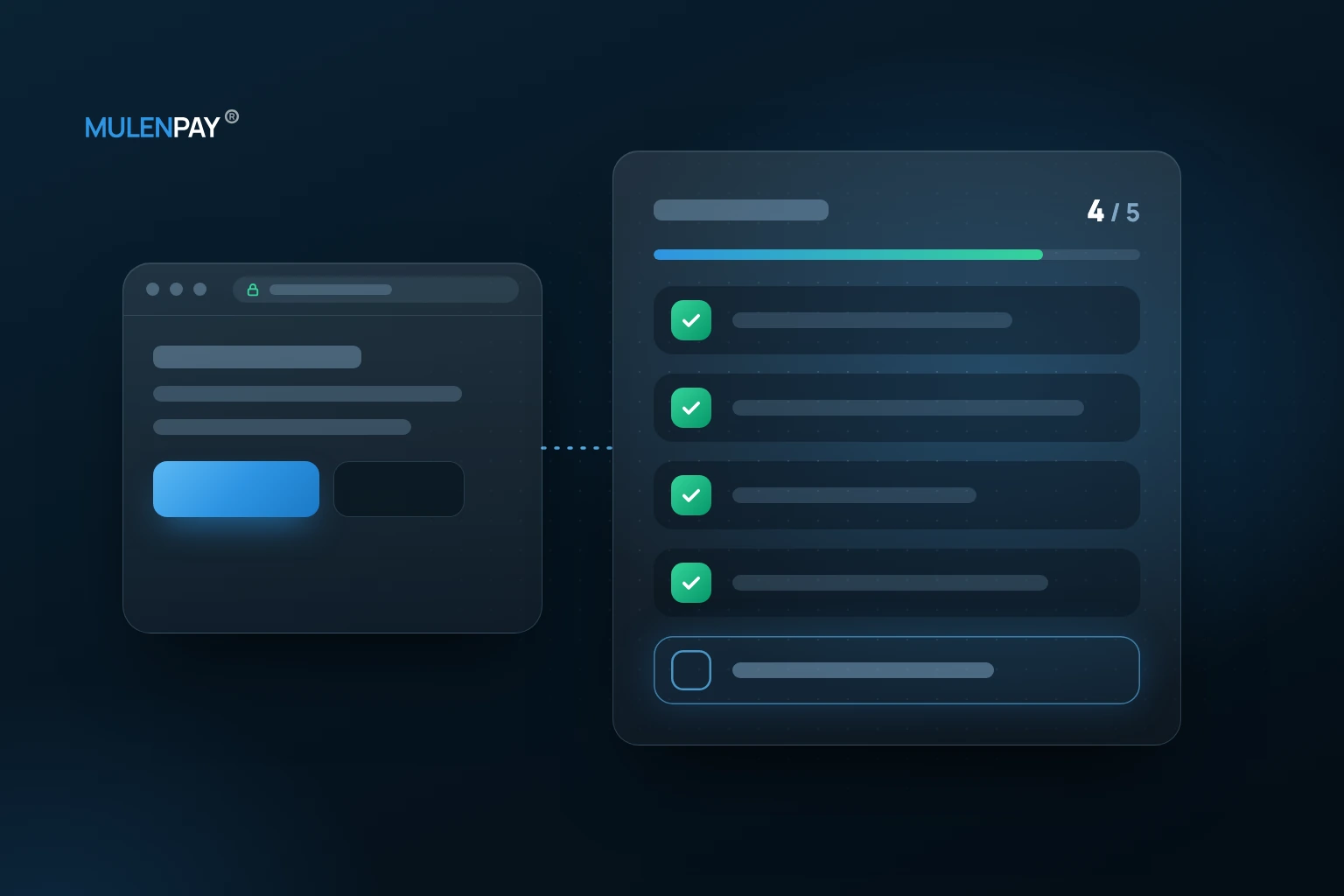
- Create and store the order before redirecting the customer to payment.
- Keep the amount and order contents consistent across systems.
- Use a clear payment purpose and seller description.
- Test mobile checkout before sending real traffic.
Step 2. Checkout receives order data
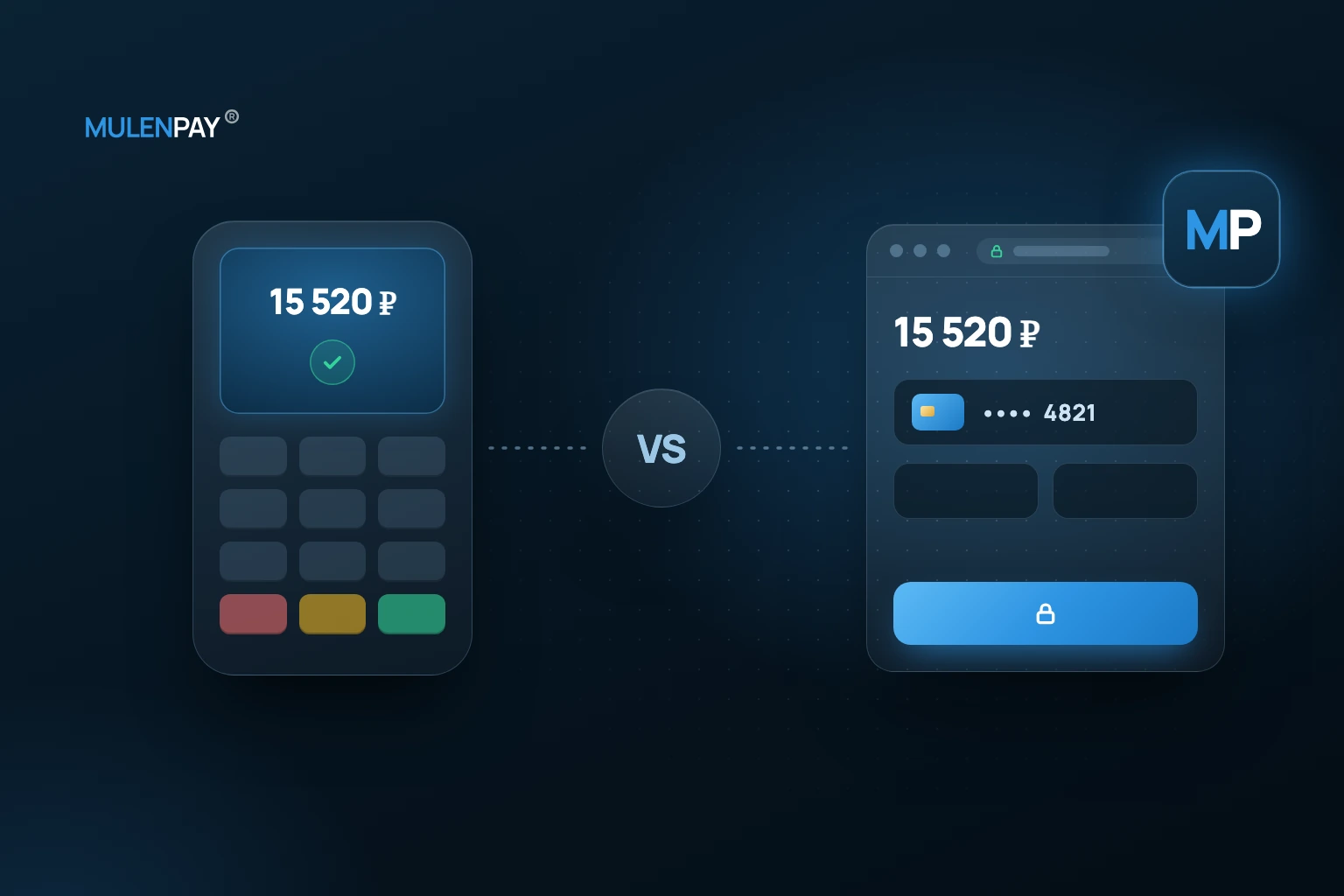
The payment interface may be a hosted page, widget, payment link or API-driven flow. The label matters less than the data: the checkout must receive enough information to connect the payment to a real order, and the business must know where the final status will appear.
A common operational failure is a checkout that opens correctly while the CRM only knows that an order was created. The customer may believe the payment was completed, but the internal team cannot see the confirmed result. The safest design keeps payment ID, order ID and status history connected from the beginning.
A demo payment is useful for checking the user journey before launch: form text, redirects, notifications and what the team sees after the attempt.
Step 3. The transaction is checked and confirmed
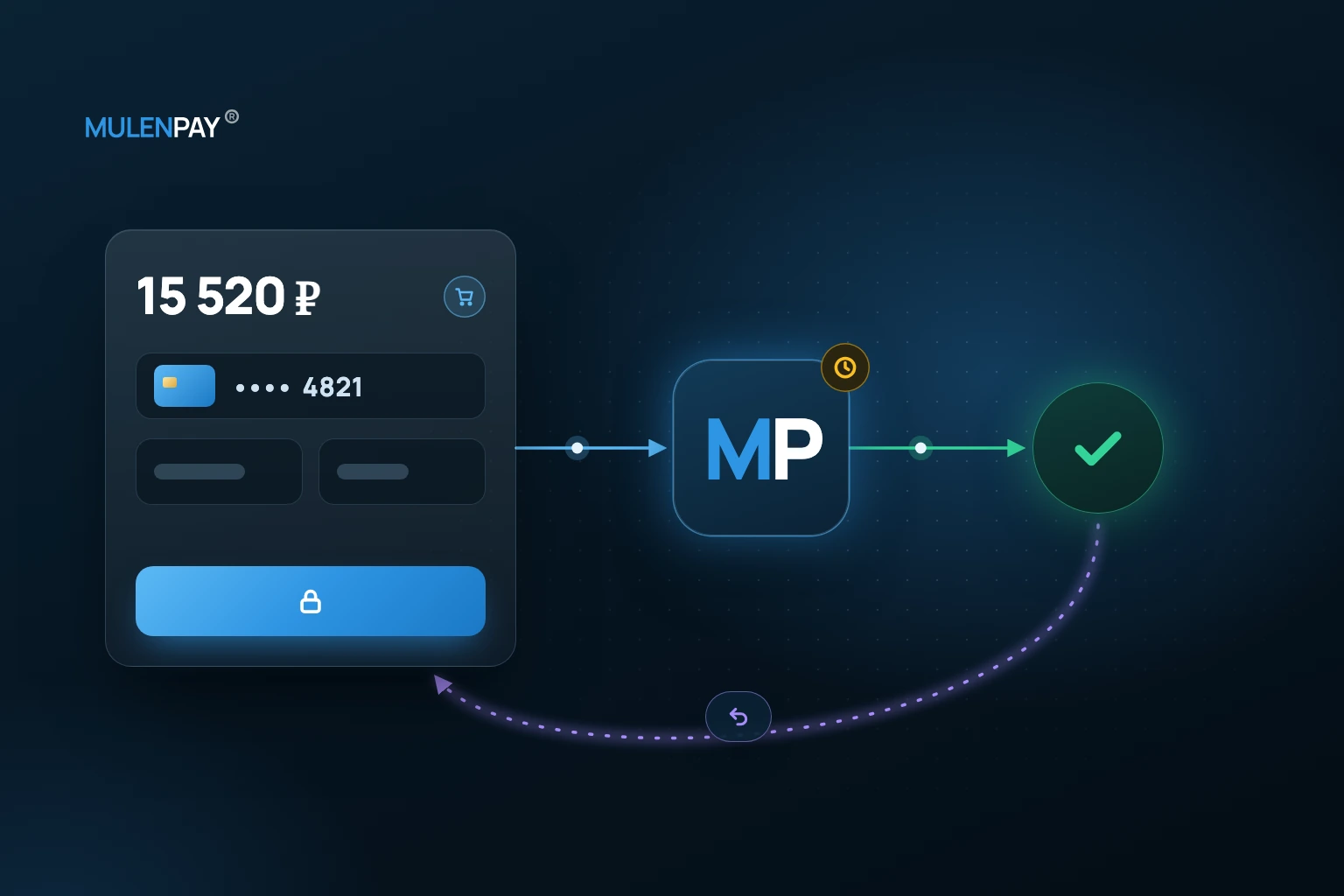
After the customer submits payment data, the transaction may pass through payment infrastructure, licensed financial partners and the customer’s bank. The business should not design this moment as a simple “success or failure” switch. Different providers may name statuses differently, but at the business-logic level the lifecycle usually includes creation, processing, successful completion, decline, cancellation and refund.
A failed payment does not always mean the customer has no money. It can be caused by limits, incorrect details, bank restrictions, risk checks, expired sessions, network issues or repeated attempts. Support teams need more than “payment failed”; they need a category of reason and a clear next action.
Step 4. The business receives the payment status
The success page should not be treated as the source of truth. A customer can close the tab, lose connectivity, return before a webhook arrives or see a page after a temporary error. The reliable status should be stored server-side and passed to CRM, CMS, an account area or an operations system.
It is useful to store a payment history rather than only the final result. This helps answer questions such as: when was the order created, when did the customer enter checkout, was the transaction declined, was there a retry, and was a refund later initiated? For card-specific scenarios, review the product page about card payments. The exact set of statuses and events depends on the selected integration and should match the provider’s current documentation.
| Stage | Data to store | Example business state | Business action |
|---|---|---|---|
| Order creation | order ID, amount, description | order created | save source order data |
| Checkout opened | payment ID, channel | payment created | link payment to order |
| Transaction check | provider response, failure category | successful or declined | update order and notify customer |
| Refund or cancellation | refund amount, reason, date | refunded or cancelled | reconcile order, receipt and support request |
Step 5. Refund, cancellation or dispute
Refund handling should be designed before the first customer complaint. An online store may need a partial refund after order changes. An education product may refund a course. A subscription service may receive a dispute about a recurring charge. In every case, the team needs rules: who approves the action, where the reason is stored, how the order is updated and what the customer receives.
Do not assume cancellation and refund always behave the same way. The rules depend on the payment flow, transaction stage and provider terms. Exact timeframes, fees, statuses and refund procedures depend on the provider’s terms and the selected payment scenario.
What to log at every stage
A payment log is not just a technical detail. It reduces manual work for support and finance. If the team only sees amount and date, every customer request becomes an investigation. If the order has a payment ID, status history and failure category, the team can respond faster and more accurately.
- Order ID and payment ID.
- Payment channel: website, widget, link or account area.
- Amount, timestamp and order description.
- Status history and final result.
- Failure or refund reason, if available.
- System or employee responsible for handling the event.
This is especially important when payments are connected to CRM, stock management, account access or fiscal receipt processes. The goal is to distinguish a technical issue from a customer decision and to avoid delivering goods or access without a confirmed status.
If you want to connect internet acquiring for a website or an online service, take a look at the MulenPay internet acquiring page.
FAQ
Why is the success page not enough to confirm a payment?
Because a customer redirect and a final server-side payment status are different events. The business should rely on the confirmed status received by its backend, account or operations system.
Which payment statuses should be sent to a CRM?
At minimum, it is useful to track created, successful, declined, cancelled, refunded and disputed or unclear states. The exact status list must be checked against the provider documentation.
Why can a payment fail even when the customer has funds?
A payment may fail because of bank limits, incorrect data, risk checks, expired sessions, network issues, technical errors or customer behavior during checkout.
What is the difference between cancellation and refund?
A cancellation usually relates to a payment that has not completed the full financial cycle, while a refund relates to an already confirmed payment. The exact rules depend on the payment flow and provider terms.
What order data should a business store for reconciliation?
Store order ID, payment ID, amount, time, payment channel, final status and the link between the payment and the customer order in CRM, CMS or accounting systems.
Conclusion
Online acquiring works best when the business understands the full payment lifecycle: order creation, checkout, confirmation, status delivery and possible refund. Before launch, define order data, test checkout, configure status handling and prepare support for common failure scenarios. If the business is ready to discuss implementation, start with payment acceptance; if the task is still informational, begin with a payment status map and a demo payment.