

In print
Put the QR code on a business card, a price tag, packaging or a stand.
Create a payment link and let customers pay instantly via messengers and social media. For in-person sales, display a QR code to speed up checkout.
Link and QR are ready to accept payment
PCI DSS COMPLIANT
Onboarding
Links and QR codes work without your own website. All you need is access to the MulenPay dashboard.
Payment link
Generate a payment link for an order in the MulenPay dashboard
Share it via messengers, email or any channel you prefer
The checkout opens from the link — the customer pays by card, SberPay, T-Pay or SBP
Who it's for
QR code
Generate a QR code for a specific order in the MulenPay dashboard
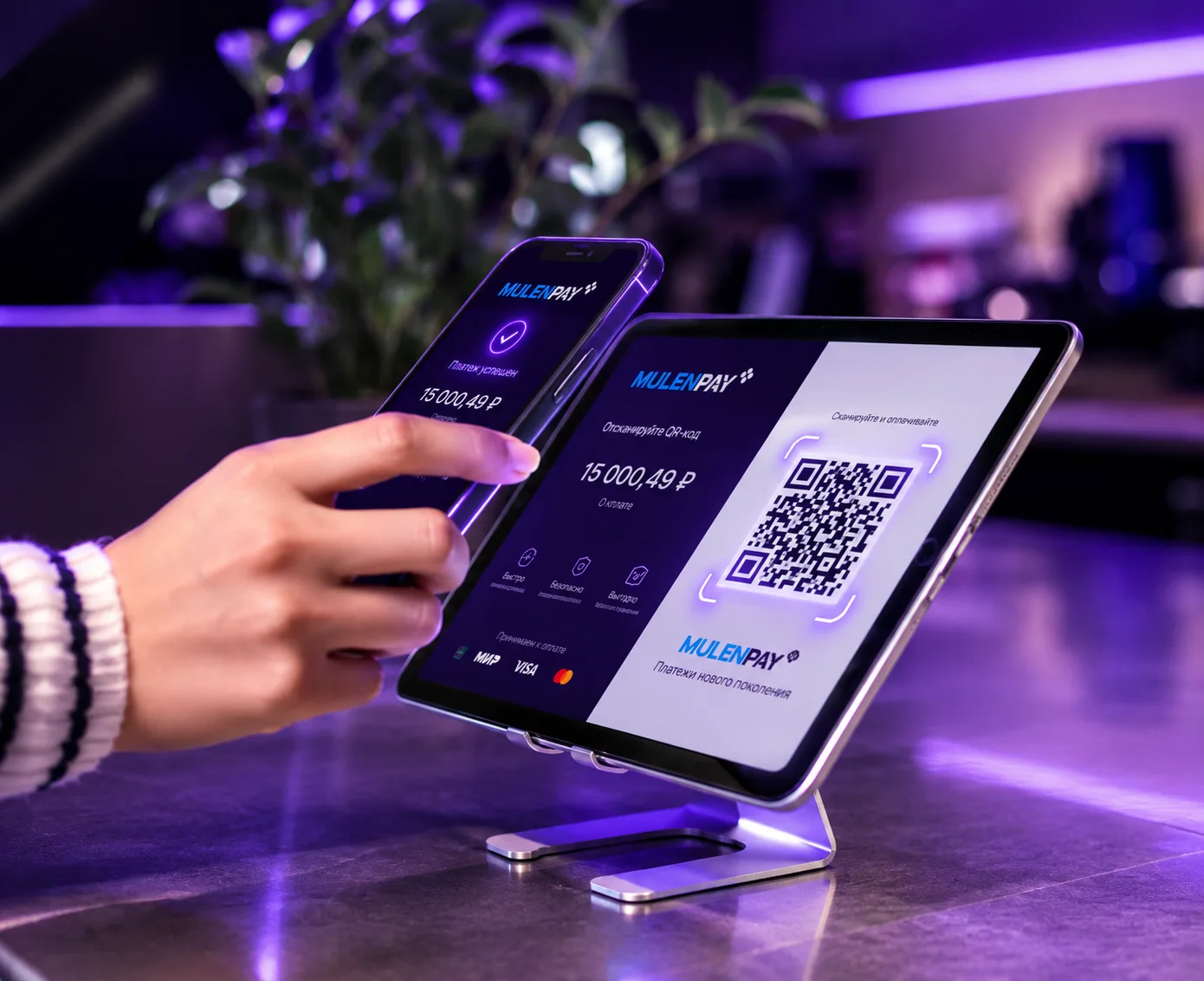
Show the QR on any screen — the customer scans it to pay
The checkout opens with the amount and order details. Pay by card, Apple Pay, Google Pay or SberPay / T-Pay
Who it's for
Payment form
The form plugs into any website or app, or opens on a MulenPay-hosted page. Customise colours and fonts to match your brand.
Security
Information security is a MulenPay priority. The company is certified annually against the world's leading financial data protection standards.


Where to use it
Works online and on printed materials alike
A code or pay button next to the product: the buyer pays from a phone with no details to type.
Send the link to the customer in a messenger as soon as the order is agreed.
Put the QR code on a business card, a price tag, packaging or a stand.
Show the code on a screen: the buyer scans it and confirms the transfer in their bank.
Questions and answers
Further reading
Links and QR codes need no integration, yet the rate matches card payments.
How the method differs from a card, what it costs and how refunds work.
What to do when a customer changes their mind right after paying.
When a receipt is due and why no hardware is required.
A CMS module adds QR and SBP to checkout alongside cards.
Leave a request — we'll enable link and QR payments within one business day.
Phone
+1 (767) 555-0147
International number
Telegram bot
@mulen_support_bot
Quick answers 24/7
Legal address
RBY Commerce Ltd.
8 Copthall, Roseau Valley, 00152, Commonwealth of Dominica
Fill out the form — a manager will get in touch, tailor the terms and help with the integration.
