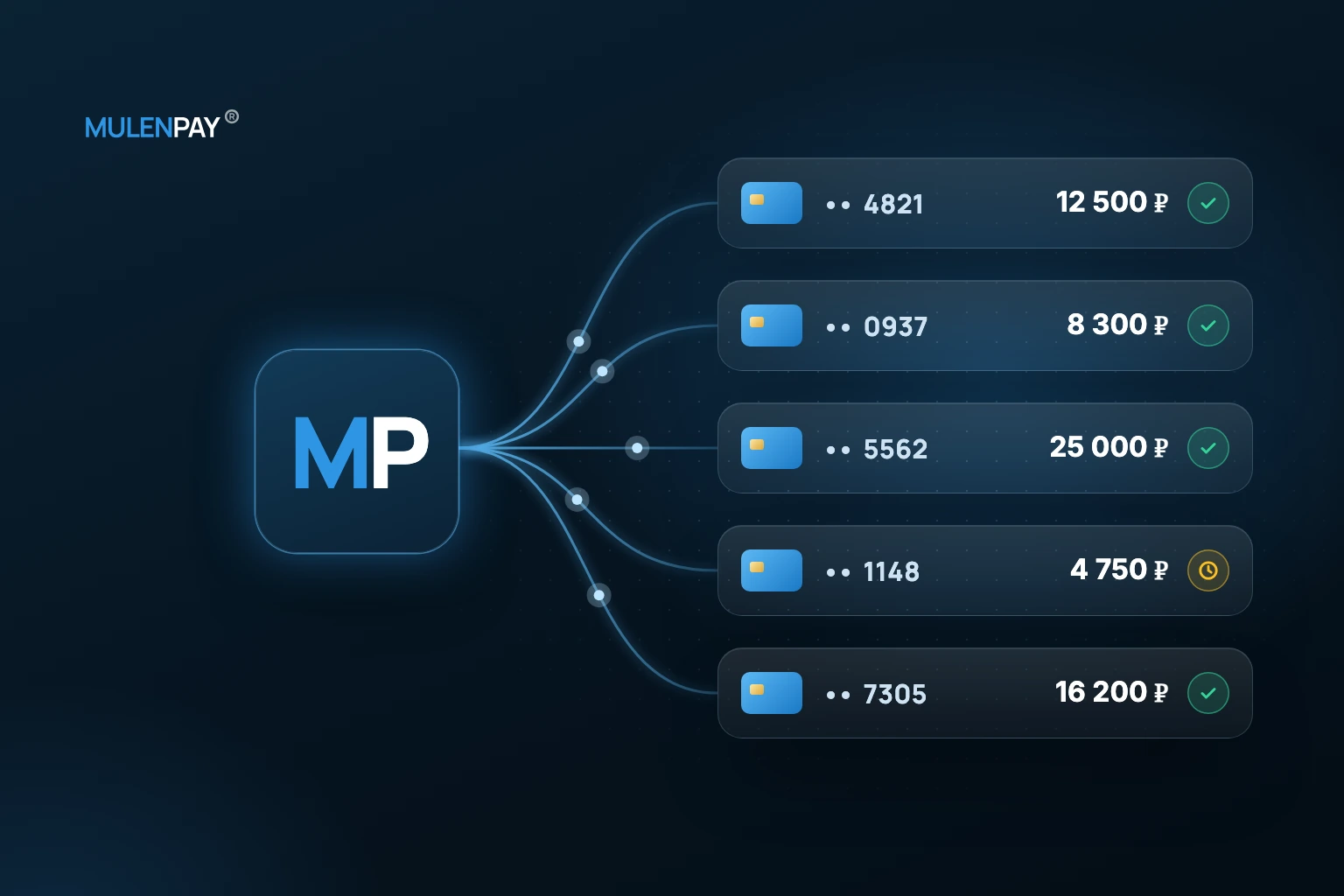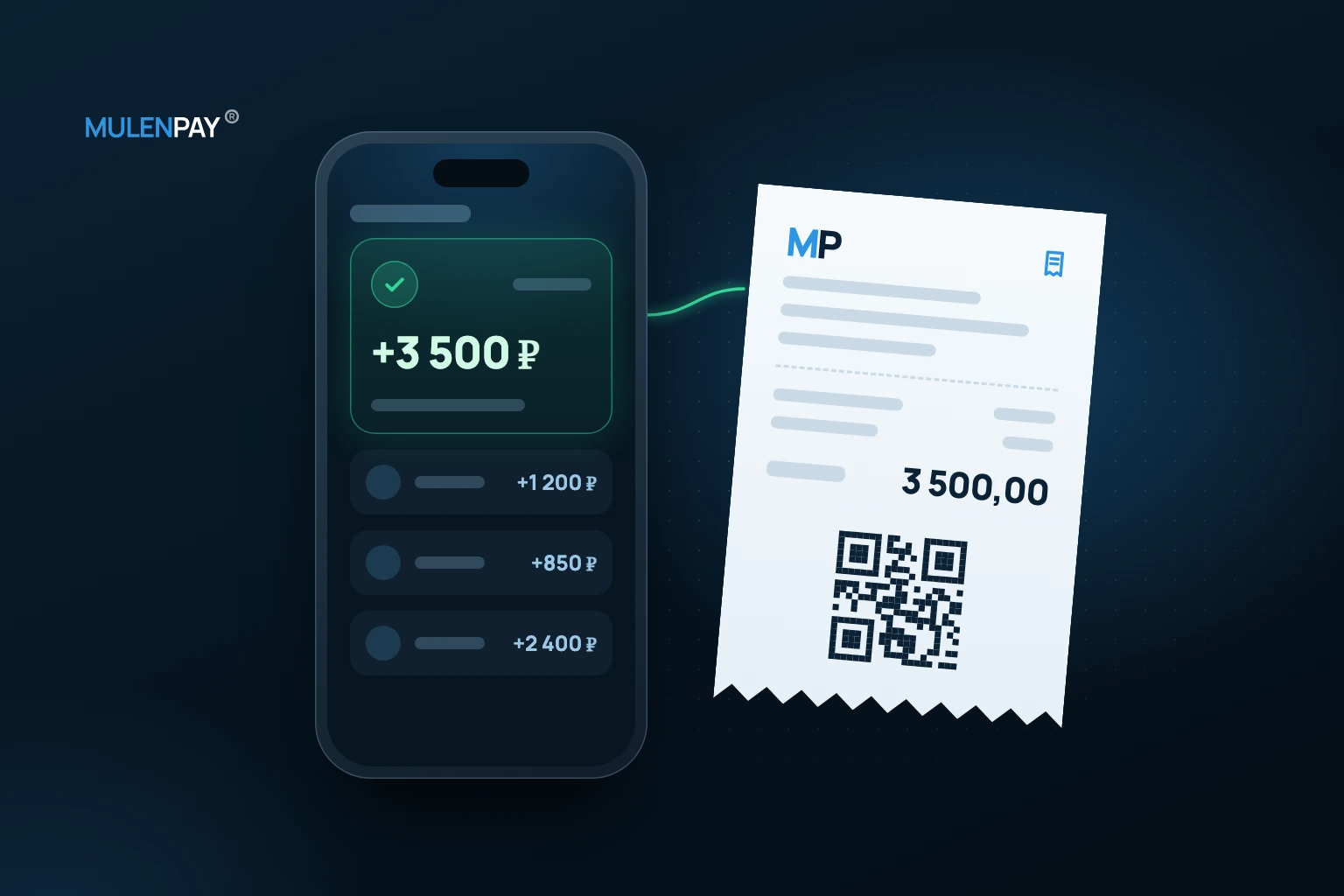
For an online store, payment is part of the order, not a separate button. If cart, payment, receipt, delivery and support are disconnected, paid orders can become manual investigations.
Cart and final amount
Before checkout, fix order contents, delivery, discounts and total amount. The amount shown to the customer should match the payment.
Payment method choice
Website checkout fits self-service orders, a payment link fits manager-led sales, and card scenarios belong to card payments.
Linking payment to order
Order ID should connect website, payment and CRM/CMS. Without it, support searches by date and amount.
Receipts, delivery and notifications
If fiscal receipts are required, review fiscal receipts. Notifications should tell customers what happened to the order.
Refund and support map
| Stage | Risk | Preparation |
|---|---|---|
| Failed payment | lost order | retry instruction or link |
| Partial refund | accounting mismatch | rules and reason |
| Customer dispute | support load | order ID and status history |
To start accepting payments in your online store, see the payments for online stores page.
FAQ
How should payment be linked to order?
Use a single order ID and status history.
Which payment methods does a store need?
It depends on sales channel: website, manager flow or mobile scenario.
What should happen after failed payment?
Provide clear retry instructions or a new payment link where appropriate.
When are fiscal receipts needed?
When required by the business model and applicable rules.