

Payment link & QR
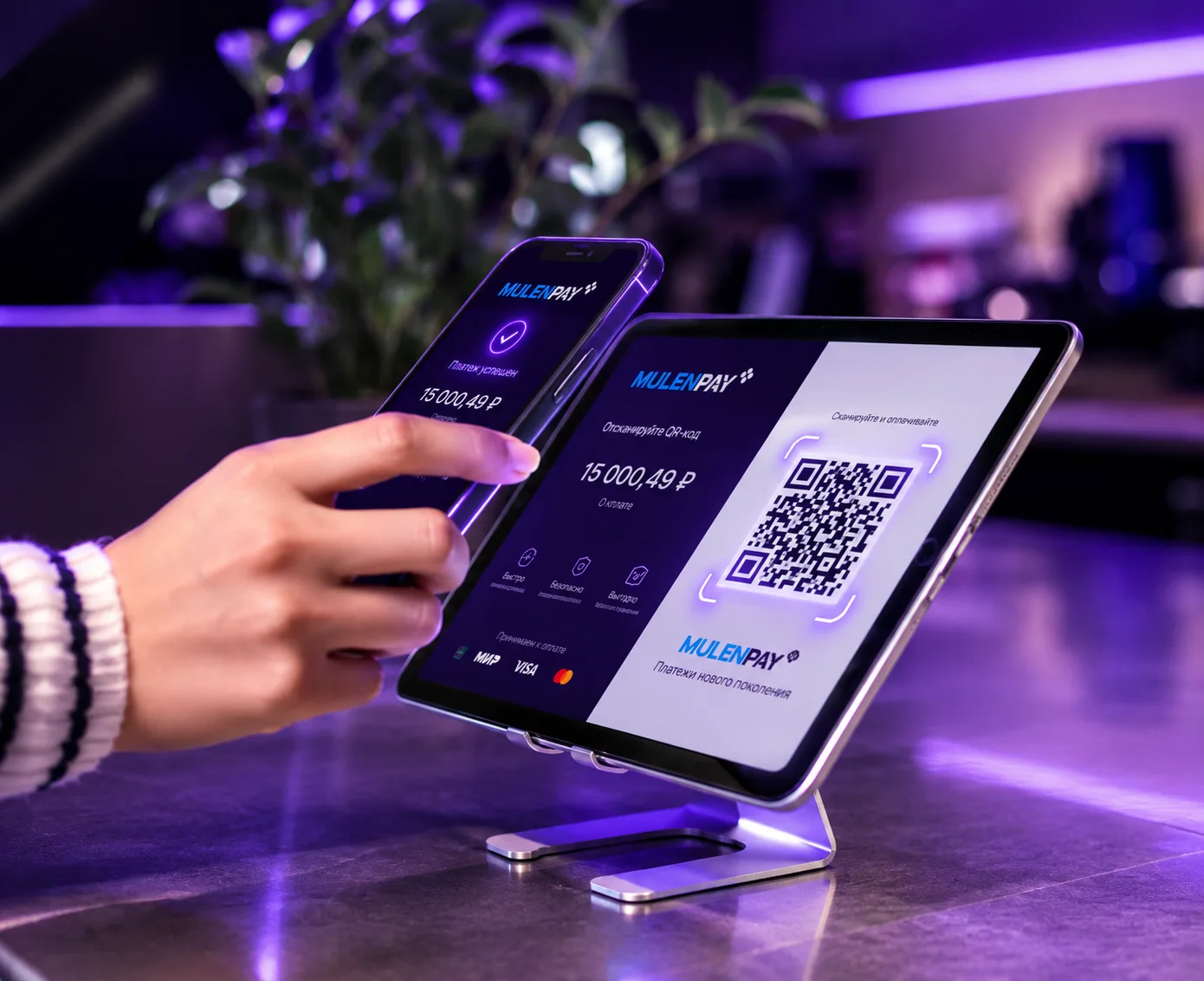
Create a payment link and let customers pay instantly via messengers and social media. For in-person sales, display a QR code to speed up checkout.
Link and QR are ready to accept payment
PCI DSS COMPLIANT
Onboarding
Get started easily — no integration
Links and QR codes work without your own website. All you need is access to the Mulenpay dashboard.
Payment link
Pay-by-link
- 1
Generate a payment link for an order in the Mulenpay dashboard
- 2
Share it via messengers, email or any channel you prefer
- 3
The checkout opens from the link — the customer pays by card, SberPay, T-Pay or SBP
Who it's for
Who payment links are for
- Instagram shops
- Online education
- Online florists
- Online services
- Online bakeries
QR code
QR code payments
- 1
Generate a QR code for a specific order in the Mulenpay dashboard
- 2
Show the QR on any screen — the customer scans it to pay
- 3
The checkout opens with the amount and order details. Pay by card, Apple Pay, Google Pay or SberPay / T-Pay
Who it's for
Who QR payments are for
- Auto retailers
- Brick-and-mortar stores
- Restaurants and cafés
- Events
- Travel agencies
- Services
Payment form
Links and QR codes open the hosted checkout
Ready-made payment form
The form plugs into any website or app, or opens on a Mulenpay-hosted page. Customise colours and fonts to match your brand.
Security
Mulenpay reliably protects payment data
Information security is a Mulenpay priority. The company is certified annually against the world's leading financial data protection standards.


Start accepting payments with the Mulenpay aggregator
Leave a request — we'll enable link and QR payments within one business day.
Telegram bot
@Mulenpay_support_bot
Quick answers 24/7
Legal address
RBY Commerce Ltd.
8 Copthall, Roseau Valley, 00152, Commonwealth of Dominica
Leave a request
Fill out the form — a manager will get in touch, tailor the terms and help with the integration.
